
Just for fun, this is a simple Sudoku implementation, built with the help of GPT-4. Enjoy!
By navigating the menu on the left, you can find several physics0rekated Web apps that I wrote over the years, apps that I myself use somewhat regularly, including my popular Hawking radiation calculator and other tools.
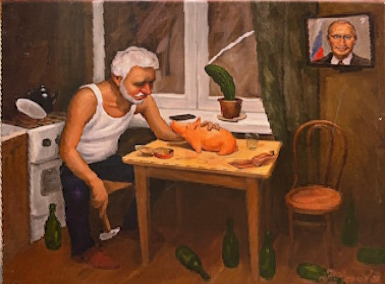
The other day, I came across a very intriguing photograph of a painting offered by a street vendor somewhere in Moscow. It captured so much about the essence of Russia in 2024!
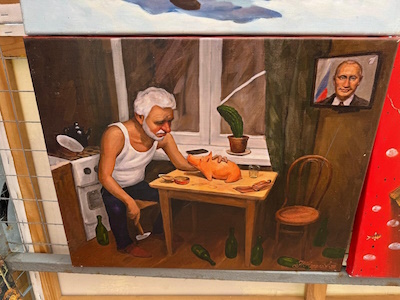
However, the painting itself appeared crooked, skewed, due to the perspective of the camera. If only I had an easy-to-use tool to deskew an image!
Well, I have one now. This tool allows you to either pick an image by filename or URL, or just drag-and-drop an image. Then, with four clicks of the mouse, you can designate the four corners of the deskewed image (clockwise, starting from top left preferably); click Deskew, and you're done! You can also optionally resize the image and change its aspect ratio by dragging it, before saving it as a PNG file. Enjoy!
This page provides links to (some of) my open source GitHub projects. These specific projects are software implementations that accompany papers that I published, so it's probably best to start with the papers themselves, which establish the case.
The "bridge" project began as an attempt to demonstrate visually how two consecutive gravitational lenses amplify (or fail to amplify) light, forming what was proposed as a "communications bridge".
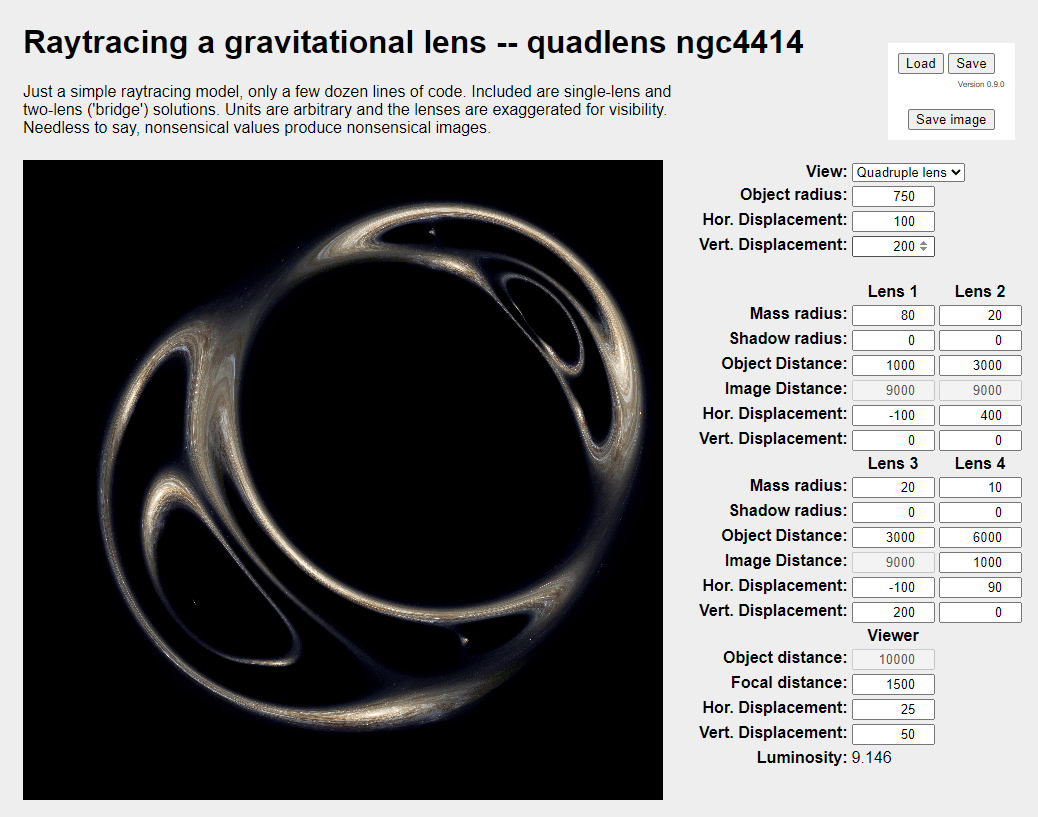
As a ray tracing implementation, it does not truly and accurately capture light intensity; however, it does show how consecutive lenses form multiple distorted images of the same source.
To give you an idea how to produce something that's beginning to look interesting, once the interface loads, select Lens bridge under View; once that loads, set the Hor. Displacement under Viewer (bottom of the parameter area) to 100.
Imaging with the Solar Gravitational Lens (SGL) takes time, as the image is necessarily sampled one gigantic "pixel" at a time. In the meantime, the target, perhaps an exoplanet, rotates and its illumination changes. Can we still reconstruct its surface?
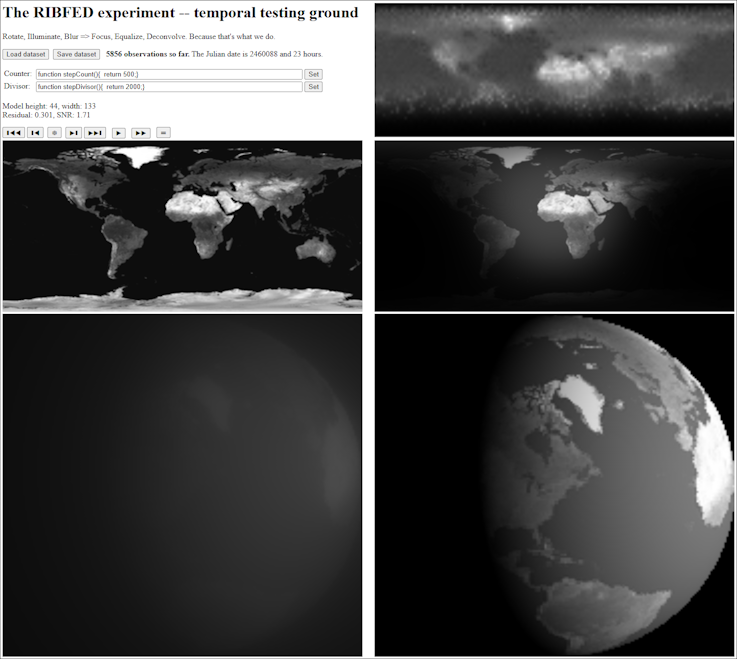
Once the interface loads, press the star (❆) button to create an image blurred by the SGL. Then click with the mouse at random points in this image, to sample it. When you collected a few dozen samples, click, e.g., the right skip button (▶❚), blur it again, and collect more samples. Repeat this several times, preferably at least over a full rotation of the planet. When you think you are done, click the equal sign (⚌) button to see how well the software can reconstruct the original surface of the planet from your samples.
It has been proposed that a tetrahedral configuration of satellites can be used to detect certain types of deviations from Newtonian gravity.
This simulation does just that, runs a tetrahedral configuration in heliocentric orbit, while measuring the trace of the gravitational gradient tensor. It should be zero. It really isn't zero, as a result of measurement and numerical uncertainties, but how close to zero can it get? Check out the various configurations that have been hardcoded in this implementation.
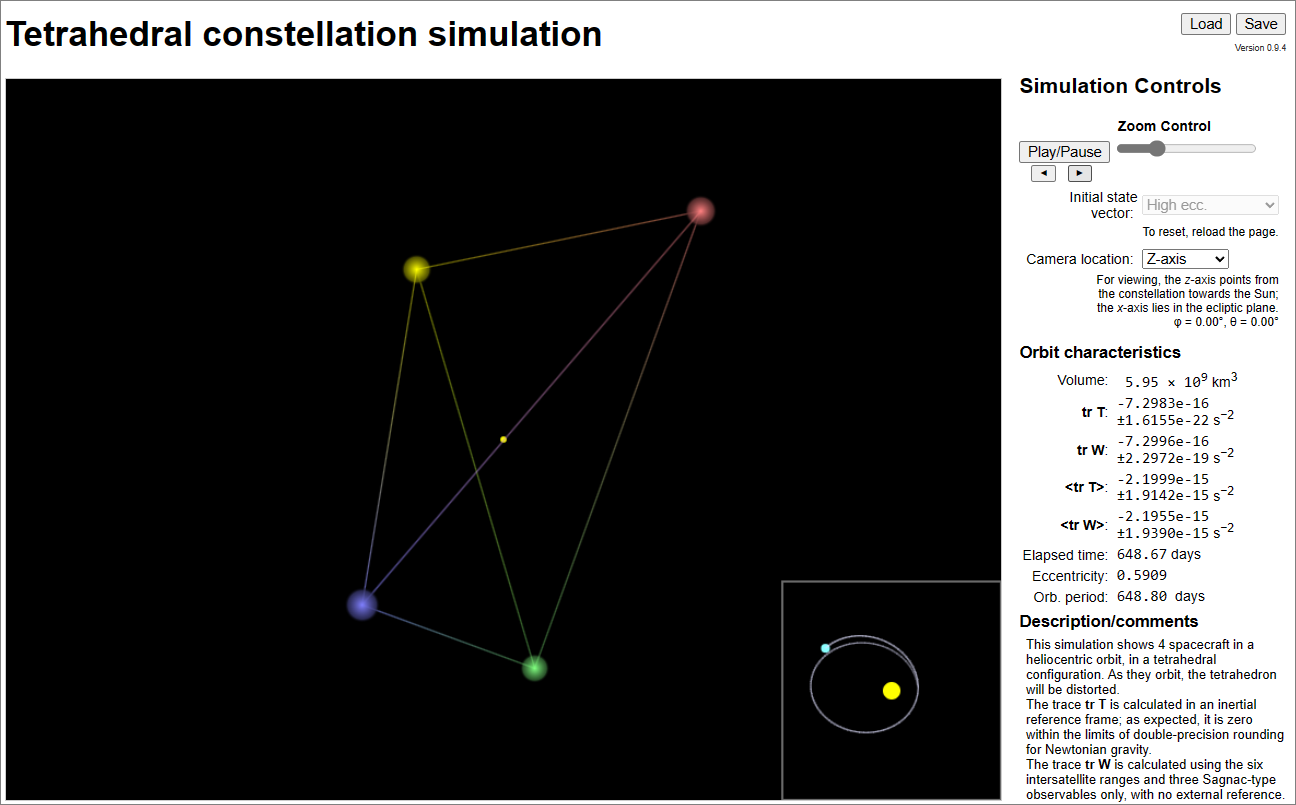
To run the simulation, just click Play/Pause.
Recently, a lot has been made of a post gone viral, someone claiming that GPT is beaten in chess by a half century old Atari 2600 using a chess cartridge.
This claim was fundamentally based on a misunderstanding of how language models really work. You cannot expect a language model to keep track of the chessboard internally ("in its head") across multiple turns. You can, however, expect an advanced language model to propose legal, moderately competent moves at each turn so long as it is informed of the board's current state. To this effect, I created a trial implementation, a demo of which (no actual GPT calls, as that would be costly) is presented here.

To play, well, just play. Again, no GPT here, so you are playing both sides. (The GitHub repo includes the code that accesses GPT.)

