
My real passion is physics. I wrote or coauthored several (mostly) physics papers (for a bibtex file containing a complete list of my publications, please click here, or here for a PDF):
(See also my papers on the ADS, my archived Perimeter Institute page and its older cached version, and my Google Scholar and Semantic Scholar pages.)
It has been proposed that a tetrahedral configuration of satellites can be used to detect certain types of deviations from Newtonian gravity.
This simulation does just that, runs a tetrahedral configuration in heliocentric orbit, while measuring the trace of the gravitational gradient tensor. It should be zero. It really isn't zero, as a result of measurement and numerical uncertainties, but how close to zero can it get? Check out the various configurations that have been hardcoded in this implementation.
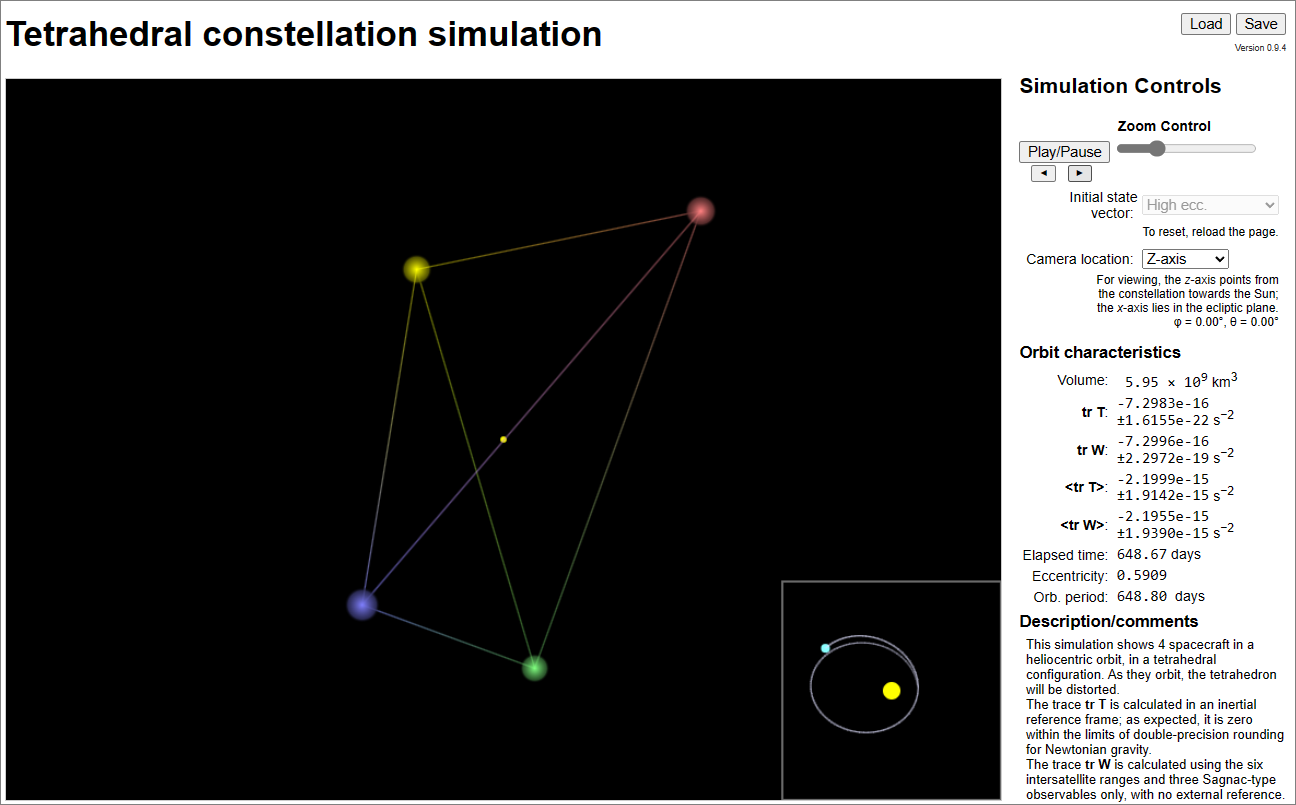
To run the simulation, just click Play/Pause.
Imaging with the Solar Gravitational Lens (SGL) takes time, as the image is necessarily sampled one gigantic "pixel" at a time. In the meantime, the target, perhaps an exoplanet, rotates and its illumination changes. Can we still reconstruct its surface?
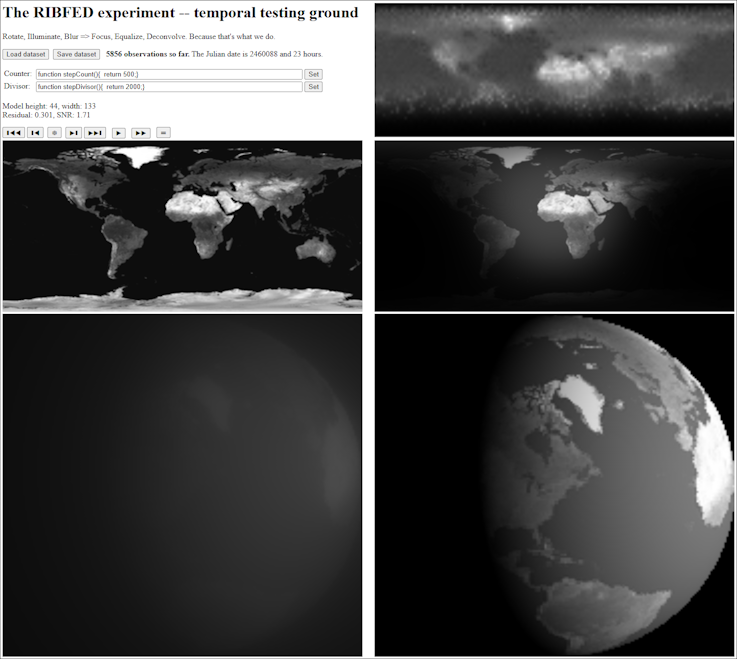
Once the interface loads, press the star (❆) button to create an image blurred by the SGL. Then click with the mouse at random points in this image, to sample it. When you collected a few dozen samples, click, e.g., the right skip button (▶❚), blur it again, and collect more samples. Repeat this several times, preferably at least over a full rotation of the planet. When you think you are done, click the equal sign (⚌) button to see how well the software can reconstruct the original surface of the planet from your samples.
The "bridge" project began as an attempt to demonstrate visually how two consecutive gravitational lenses amplify (or fail to amplify) light, forming what was proposed as a "communications bridge".
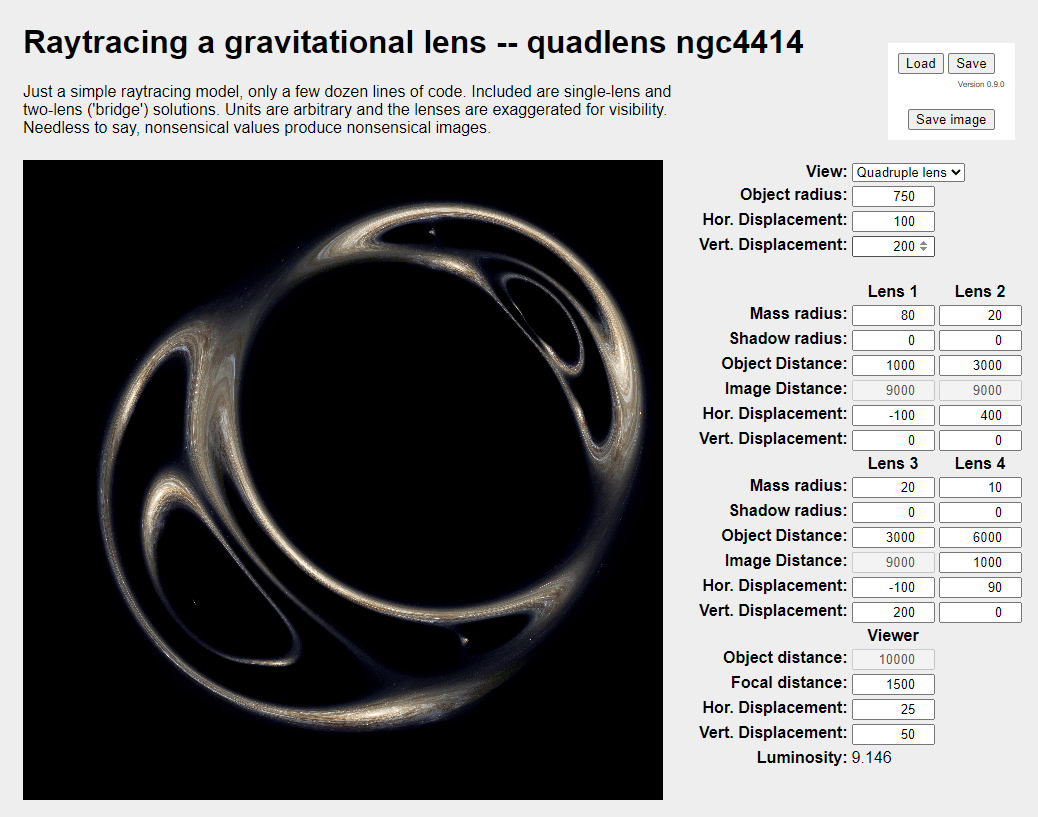
As a ray tracing implementation, it does not truly and accurately capture light intensity; however, it does show how consecutive lenses form multiple distorted images of the same source.
To give you an idea how to produce something that's beginning to look interesting, once the interface loads, select Lens bridge under View; once that loads, set the Hor. Displacement under Viewer (bottom of the parameter area) to 100.

